原文链接:https://forum.openwrt.org/t/converting-gl-inet-mt3000-beryl-ax-from-cn-to-global/165159/4 摘要:Hi, I recently purchased a MT3000 (Beryl AX) from Taobao, and realized the VPN and Adguard features were unavailable due to the router having CN version. According to the instructions shared in their forum for the MT2500…
Converting GL.iNet MT3000 (Beryl AX) from CN to Global
Hardware Questions and Recommendations
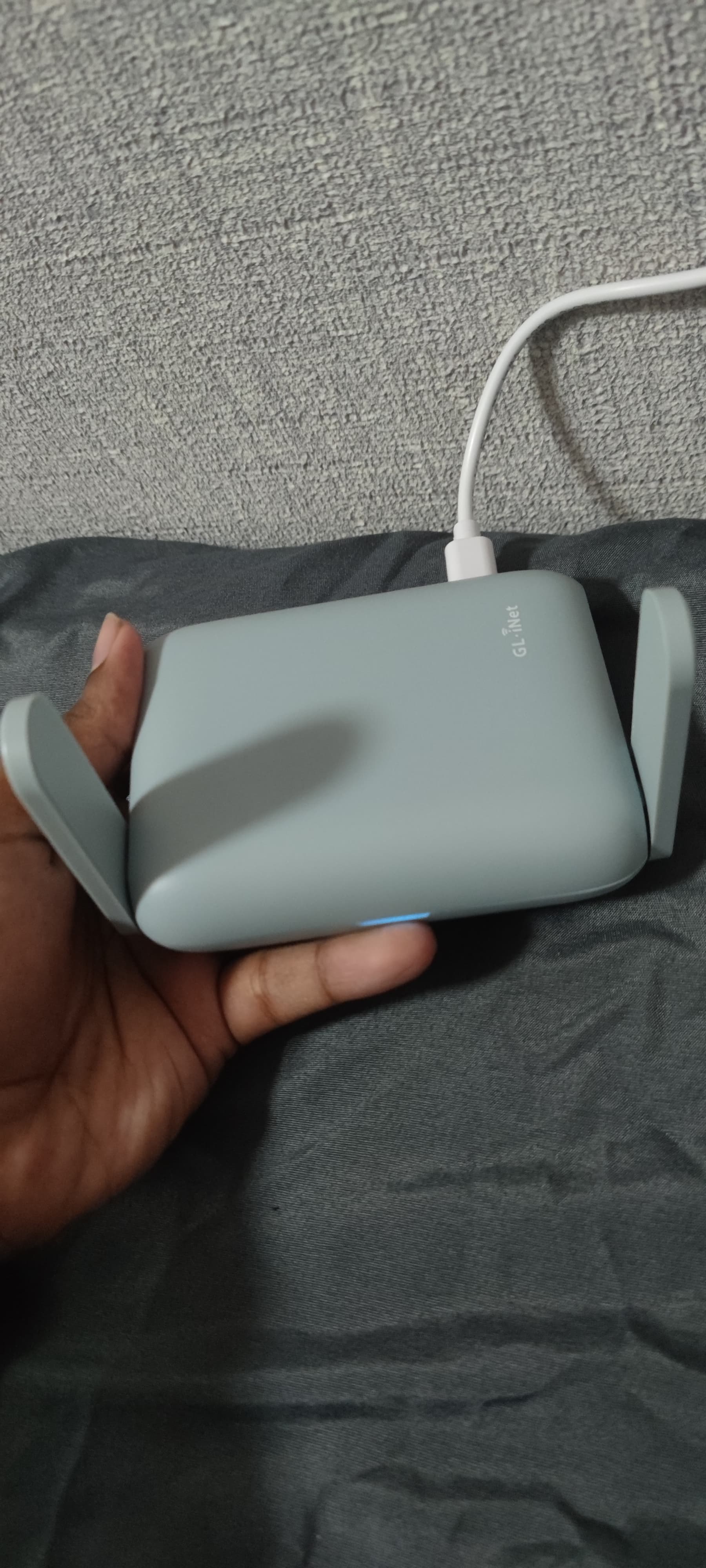
Hi, I recently purchased a MT3000 (Beryl AX) from Taobao, and realized the VPN and Adguard features were unavailable due to the router having CN version. According to the instructions shared in their forum for the MT2500 (before it got deleted by admin), I can change the CN flag to US in the bootloader located in /dev/mmcblk0boot1.
However after SSH into the router, I don’t see such file in dev. Does anyone know any other way? Thanks in advance!
Tried https://forum.gl-inet.com/t/taobao-bought-mt3000-beryl-ax-has-no-vpn-option/27679/21?
2 months later
Thank you @daniel, that made for a good solution!
感谢@daniel,这提供了一个很好的解决方案!
As a warning to anyone wanting to do this, you can potentially “brick” your device, so be careful.
对于任何想要进行此操作的人来说,您可能会“砖掉”您的设备,因此请小心。
This is what I did, after installing xxd and nano:
这是我所做的,安装了 xxd 和 nano 之后:
xxd /dev/mtd3 /tmp/mtd3_xxd_dump.txt
nano /tmp/mtd3_xxd_dump.txt
at 0x88 I replaced “CN” with “DE” and “43 4E” with “44 45”.
在 0x88 处,我将"CN"替换为"DE",并将"43 4E"替换为"44 45"。
then I converted it back and wrote it to mtd3:
然后我将其转换回并写入 mtd3:
xxd -r /tmp/mtd3_xxd_dump.txt /tmp/mtd3_xxd_dump_fixed.bin
mtd write /tmp/mtd3_xxd_dump_fixed.bin /dev/mtd3
mtd verify /tmp/mtd3_xxd_dump_fixed.bin /dev/mtd3
After a reboot the UI is working as Global, do note that this produces an empty output after this change:
重启后界面会显示为全球版,但请注意,此更改会产生空输出:
cat /proc/gl-hw-info/country_code
When set to CN this outputs “CN”. I have yet to try if reversing my change will restore this, if it doesn’t I suppose I did something wrong above as well.
当设置为 CN 时,会输出"CN"。我还没有尝试过如果反向更改是否能恢复这一点,如果不能,那么我上面的操作可能有误。
Exercise caution if you try this, mistyping things can end badly…
如果尝试这样做,请谨慎行事,误输入可能导致严重问题…
Maybe you can try this.
你可以试试这个。
GL-MT2500
echo 0 > /sys/block/mmcblk0boot1/force_ro
echo "US" |dd of=/dev/mmcblk0boot1 bs=1 seek=136
sync
reboot
GL-MT3000
echo "US" |dd of=/dev/mtdblock3 bs=1 seek=136
sync
reboot
this worked very well, definitely easier thanks!
I did it with DE:
echo -n "DE" |dd of=/dev/mtdblock3 bs=1 seek=136
sync
reboot
and now I get the proper country code.
14 days later
Can anyone help me on this topic im totally new user i don’t know this things. I also bought the cn router and facing the same problem.
Yes, that’s what this thread is about…
Can you help me to make it global
The instructions are in here, what do you expect people to do? Drive over to your place?
I was asking for some communication help because i don’t know about this technical issue.
There is no technical issue, there’s however a knowledge gap…
Bro frankly speaking if i know this things i don’t ask for help if you can’t help me then you can skip. That’s it.
Consider your knowledge gap filled.
When i put command over ssh do i need to debrick my router or no need?
debark = disassemble?
did you already try connecting to your router using ssh?
10 days later
I saw that some people dropped a support request to GL-INET and it’s possible to ask for a one-off firmware change to global one.
don’t think it’s going to happen, there’s a fw separation for a reason, enabling non-CN compliant features on routers sold in CN probably isn’t a good idea, legally.
It does happen, however GL-INET’s team won’t tell you unless you are requesting it under the table.